A note-taking app for more than text
Markdown notes, files, and ideas. Together in Asterive.
Keep notes, documents, recordings, images, and links in one searchable library. Write in a familiar editor, with portable Markdown underneath when you want it.
Free plan · No card required

01 · Write and collect
Write naturally. Add the details when you need them.
Start in Rich text for familiar formatting, or switch to Source and Preview when you want direct control. Add tasks, callouts, code, tables, diagrams, math, files, and recordings without turning every note into a setup project.

02 · Go beyond quick notes
Simple for a quick thought. Ready for serious work.
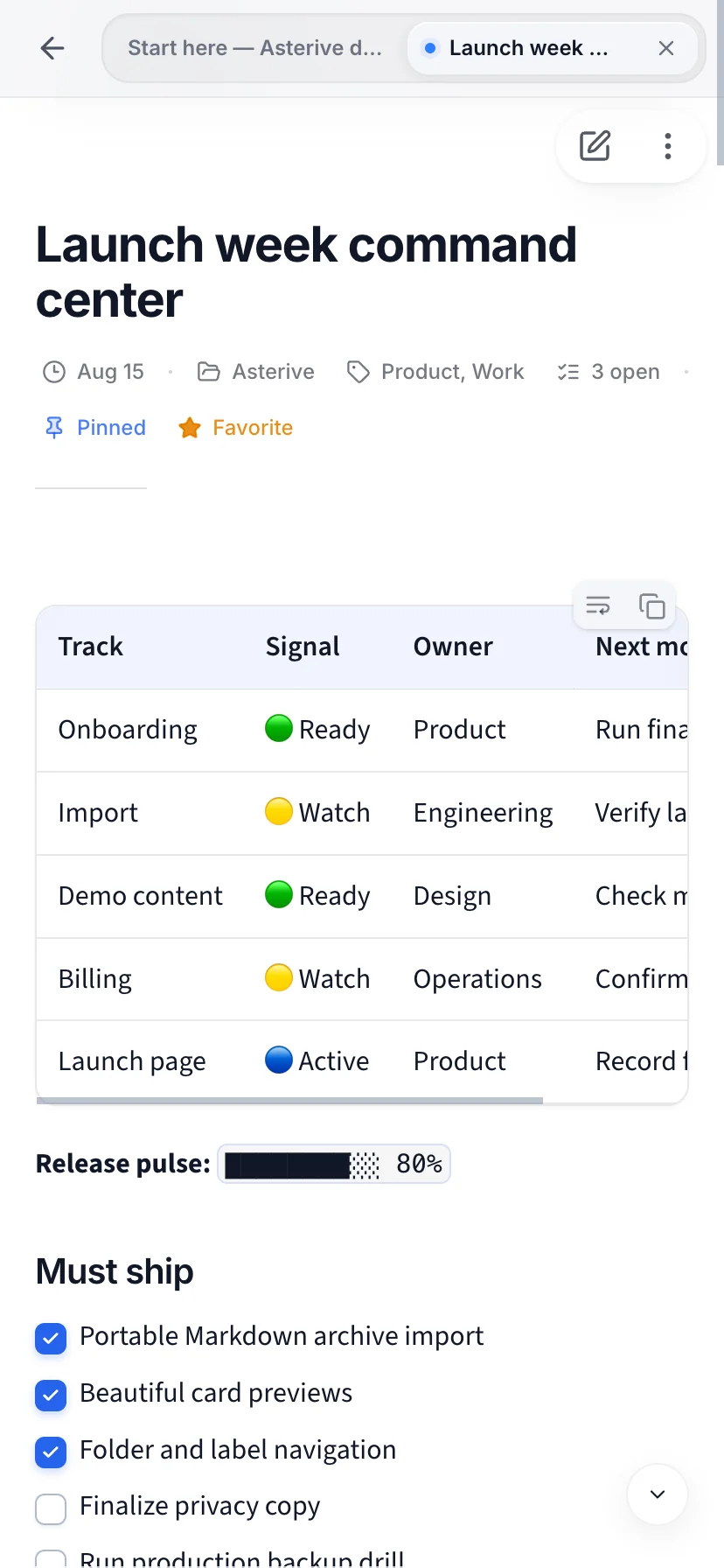
Start with one note, then organize with folders, labels, Favorites, and pins when the library grows. Place a second note beside the first to compare, reference, or continue connected work.
03 · Find and return
Find what you saved—even inside a file.
Quick Find searches notes, folders, labels, files, document text, text found in images, and completed transcripts. Search remains useful without sending your library to an AI service.

04 · Ask and review
AI proposes. You decide what becomes part of your notes.
Ask questions across notes you choose, prepare useful structure, or draft a rewrite inside the library. Significant changes remain reviewable before you apply or reject them.

05 · Ownership and portability
Markdown when you want it. A familiar editor when you don’t.
Every note keeps portable source underneath visual editing and polished reading. Export your notes, move a portable archive, or open a local file without uploading it. Your notes stay yours.

Start on Free
Build the library first. Upgrade only when Pro fits your work.
Core note-taking, organization, search, and portable export are available on Free. Pro adds higher limits and advanced AI, history, transcription, and export workflows.
Compare current plansQuestions before you start
Do I need to know Markdown?+
No. Write in the visual editor and read with a polished appearance preset. The Markdown source is there whenever you want direct control.
Can I bring an existing note library?+
Yes. Asterive supports previewed imports from Evernote, Notion, Obsidian or Markdown, Google Keep, and Asterive portable archives.
Can I take my notes back out?+
Yes. Free includes text, Markdown, and portable archive paths. Pro adds PDF and multi-note formatted export workflows.
Does AI change notes automatically?+
Significant AI updates and rewrites are presented as reviewable proposals. Inspect the change, then choose whether to apply or reject it.
Ready when you are
Bring your notes together.
Start with a quick note. Add files, media, search, and reviewable AI as your work grows.
Start taking notes — free